If you've just purchased a Best IPTV Canada subscription and want to stream on your TV, the Amazon Firestick is hands down the best device to use. And the best app for it? IPTV Smarters Pro.
Step 1: Allow Apps from Unknown Sources
Because IPTV Smarters Pro isn't in the official Amazon App Store, you need to "sideload" it.
- Go to your Firestick Home Screen and click the Settings gear icon.
- Select My Fire TV.
- Click Developer Options. (If you don't see this, click "About", hover over the name of your Fire TV, and click the OK button on your remote 7 times to unlock it).
- Turn ON Apps from Unknown Sources.
Step 2: Install Downloader
The "Downloader" app is the browser we will use to download Smarters.
- Go back to the Home Screen and click the Search icon.
- Type in Downloader and install the orange app.
Step 3: Download IPTV Smarters Pro
- Open Downloader and click "Allow".
- In the URL box, type exactly: iptvsmarters.com/smarters.apk
- Click Go. The file will download, then click Install.
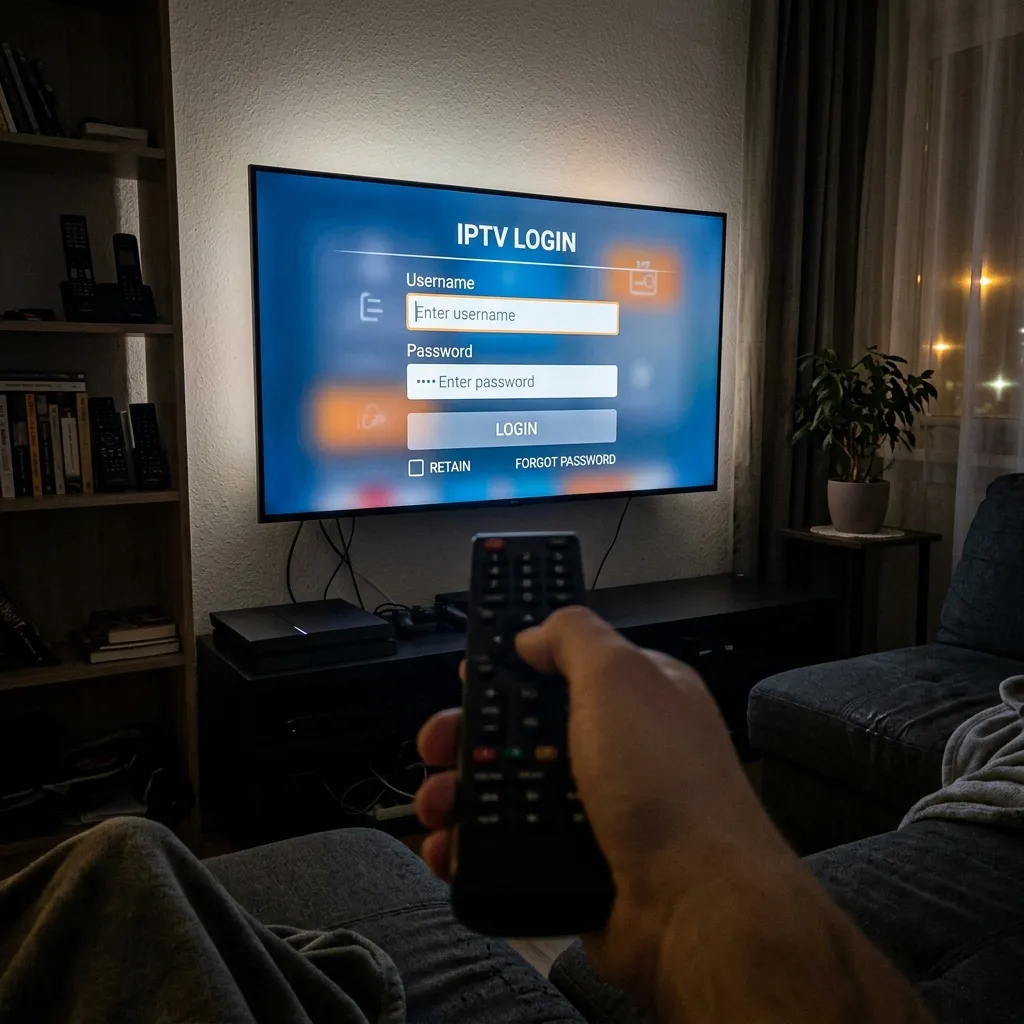
Step 4: Login Using Xtream Codes API
Once you open the application, you will be presented with a few different login options. The absolute best and most stable method is to select Login with Xtream Codes API.
- Any Name: Type "Best IPTV Canada" (or anything you want).
- Username: We provide this via WhatsApp or Email after you order.
- Password: We provide this as well.
- URL: Enter the exact server portal link we send you (e.g., http://premium-server.tv:8080).
Click "Add User" and the app will instantly download the channel list, VOD movies, and series directly to your Firestick.
Why is IPTV Smarters Pro the Top Choice for Canadians?
With dozens of player apps available on the Amazon App Store and Google Play, why does everyone in Canada recommend Smarters? The answer lies in its interface and stability. When streaming high-bitrate live sports like NHL hockey or CFL football, the player itself needs to efficiently decode 4K video. IPTV Smarters Pro utilizes a highly optimized ExoPlayer engine that prevents buffering, assuming you are connected to a high-quality premium server.
Pros of IPTV Smarters:
- Free to Use: Unlike TiviMate which charges an annual fee for premium features, Smarters gives you catch-up, recording, and multi-screen entirely for free.
- Multi-Screen Ready: You can watch up to 4 live sports games at the exact same time on one TV screen.
- EPG Integration: The TV Guide loads instantly and automatically updates every day.
Troubleshooting Common Errors
Sometimes technology hiccups. Here are the most common errors users face and exactly how to fix them:
- "Invalid Details" Error: This means you typed the username, password, or URL incorrectly. Check for typos (like confusing a capital 'I' for a lowercase 'l', or putting a space at the end of the URL).
- "Failed to Authorize" Error: This usually means your subscription has expired, or your internet service provider (like Bell or Rogers) is actively blocking the connection. If your ISP is blocking it, you will need to restart your modem or use a VPN.
- Blank EPG (No TV Guide): Go to the main menu of the app, click "Install EPG", or click the small refresh icon in the top right corner.